Be part of the search.
Present your collection where designers discover new products, compare available options and select pieces for their projects.

BUILT FOR MANUFACTURERS
Present your collection where designers discover products, build project selections and work with 3D models.
MORE THAN A PRODUCT LISTING
Help designers discover your collection, understand the details and bring the right products into their projects. Keep useful information and available 3D resources close to the decisions they support.
Explore Products Library ↗Present your collection where designers discover new products, compare available options and select pieces for their projects.
Bring product images, available variants and technical information together so designers can make well-informed selections.
Help designers carry their selections into project lists and client presentations, with ready-to-use 3D models for selected products.
PREPARED FOR REAL DESIGN WORK
We agree the scope of your collection and the materials needed before publication. Start the conversation with what you already have.
Clear names and references help designers find and specify the right product for a project.
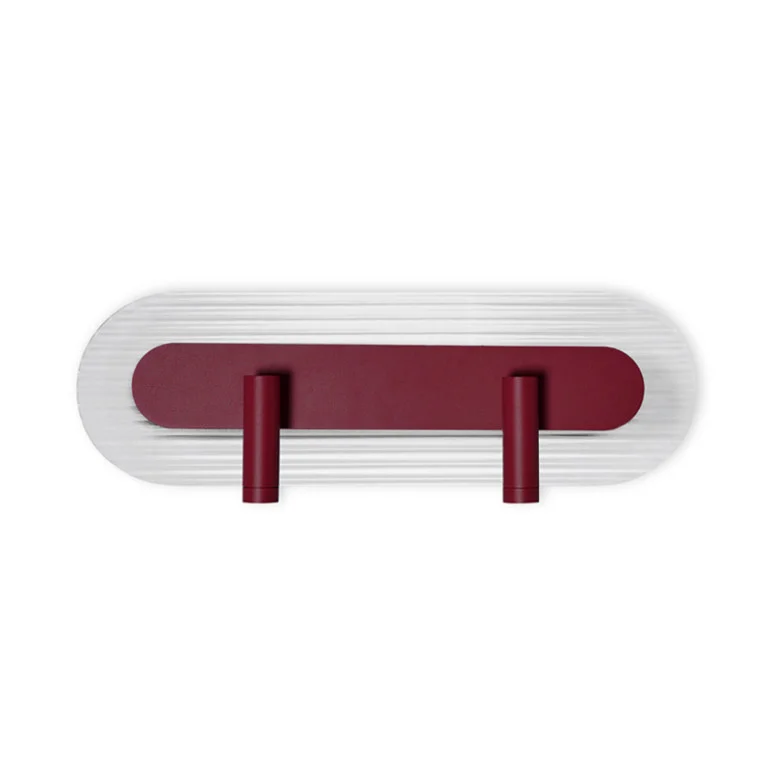
Photos and named finishes help designers compare options and choose the right variant.
Dimensions and materials give designers the detail to specify with confidence.
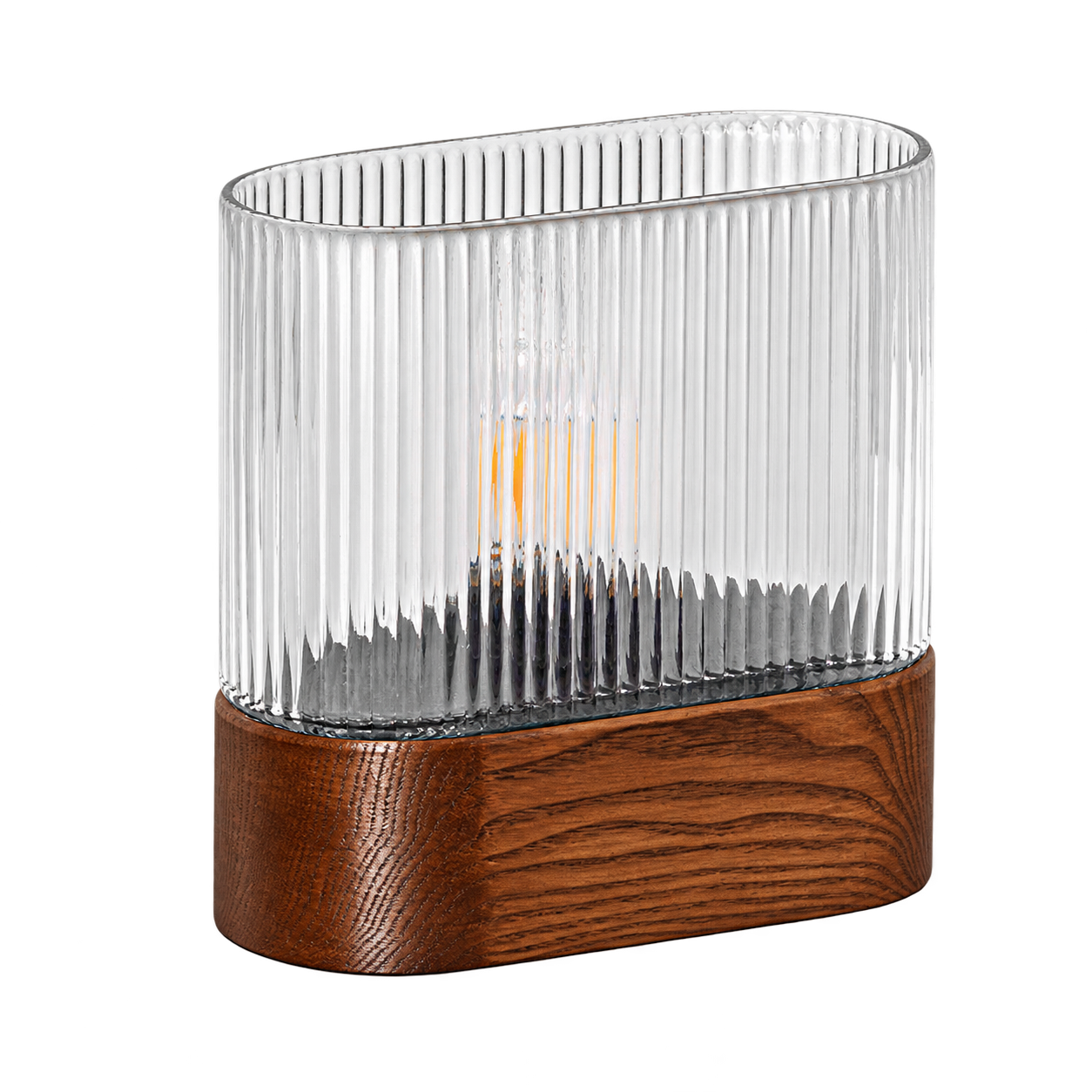
Models for selected products support the design process, with preparation agreed together.
READY-TO-USE 3D MODELS
SIMTU lets designers drag a product image into supported design software to place its 3D model in a scene. Prepare 3D models with textures according to SIMTU’s guidelines, or commission us to create them.
Need help with your files? SIMTU can create new models or improve existing ones as a paid service, quoted separately.Discuss your 3D models ↗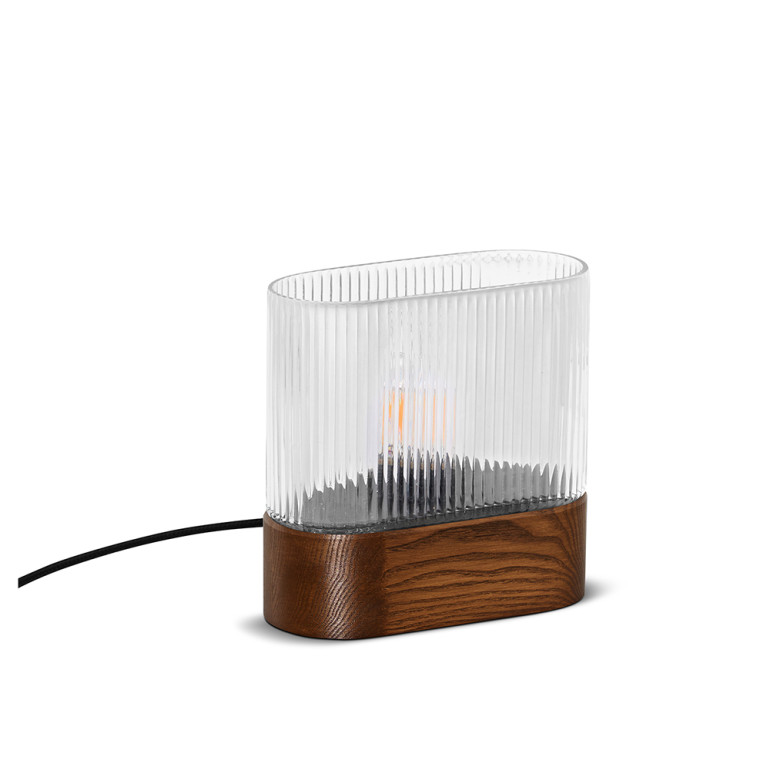 ✓ 3D model ready to drag and drop
UMMO LIGHTING
A DIRECT PATH TO PARTNERSHIP
We guide you from first contact to a reviewed collection.
You control your product information and publication.
Introduce your company. We review your brand and confirm its fit with our partner network.
Meet us online to agree commission, your range and how to connect your product data.
Open your prepared panel. Add your company details. Accept partnership terms and material permissions.
Add products or import through agreed CSV/API. Submit them for review and resolve any feedback.
Publish approved products when you are ready. Keep prices, availability and sales regions current.
You are responsible for your product and sales information. SIMTU reviews submitted materials against its publication requirements. Optional catalogue setup and 3D preparation are quoted separately.
OUR PARTNER NETWORK
Explore the brands in our partner network and discover their collections, materials and design stories. Each link takes you directly to the manufacturer’s website.



























BEFORE WE TALK
We work directly with verified manufacturers. Each enquiry is reviewed for our partner network. Resellers and intermediaries are not eligible.
No. Models are agreed for selected products. Show us the files and resources you already have. We will discuss any preparation needed.
Yes. Start with the range you want to present. We agree the product scope and materials together. You can expand your collection over time.
Start with your website and contact details. A catalogue and product images are also helpful. Share technical details and any available 3D files.
Partnership includes a fee billed annually. A commission applies to products sold through SIMTU. We agree both amounts with you before you join.
You can prepare and maintain your own product data. Optional catalogue setup and 3D work are quoted separately. We discuss the scope and costs before work begins.
No. Joining does not guarantee sales or selections. SIMTU brings your products into designers’ work. We agree ordering and fulfilment terms together.
LET’S TALK ABOUT YOUR COLLECTION
Tell us about your brand. We’ll discuss the next step together.
Become a partner ↗