Your studio.
A clear introduction.
Show what and where you design.Explain your approach and specialisms.Help clients understand your practice.

MY SIMTU PROFILE FOR DESIGNERS
Build your studio profile, share project photos and show future clients what you do best. Turn a complete portfolio into a stronger professional presence and unlock a higher SIMTU commission level.
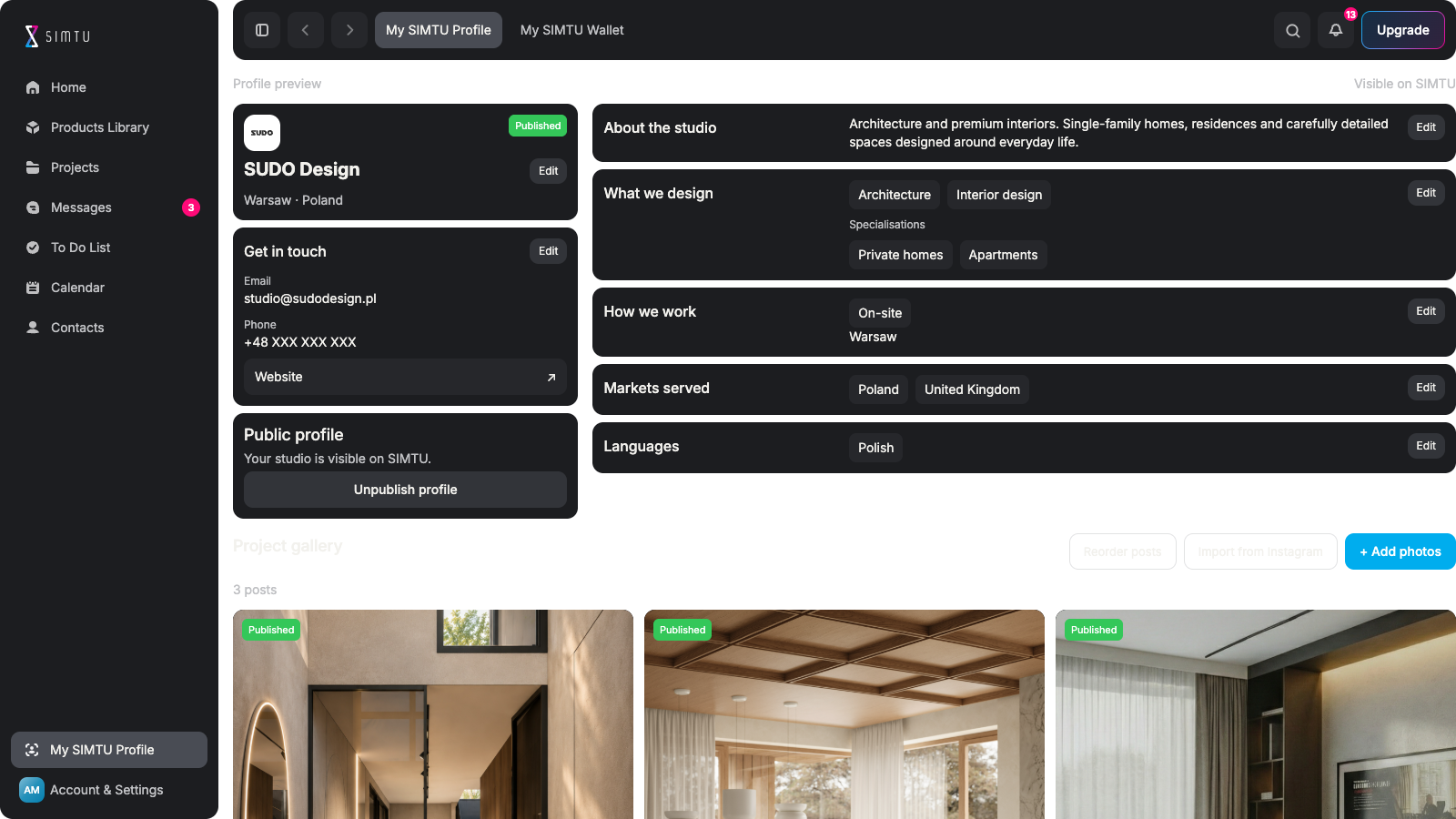
MORE THAN A PROFILE. A PROFESSIONAL PRESENCE.
Show what and where you design.Explain your approach and specialisms.Help clients understand your practice.
Publish projects as visual posts.Add descriptions and image carousels.Build a recognisable body of work.
Give photographs a useful story.Explain the thinking behind a space.Let each project show your strengths.
Prepare for Find a designer.Bring your public work to future clients.Part of the planned marketplace.
Complete the required profile details.Publish your profile and five posts.Unlock 5% in Standard or 10% in Pro.
Prepare project posts as drafts.Choose what is ready to publish.Keep working files and Wallet separate.
INTRODUCE YOUR PRACTICE
Explain what you design, where you work and how clients can contact you. Bring your studio identity, specialisms, languages and markets together in a presentation you control.
Introduce your studio ↗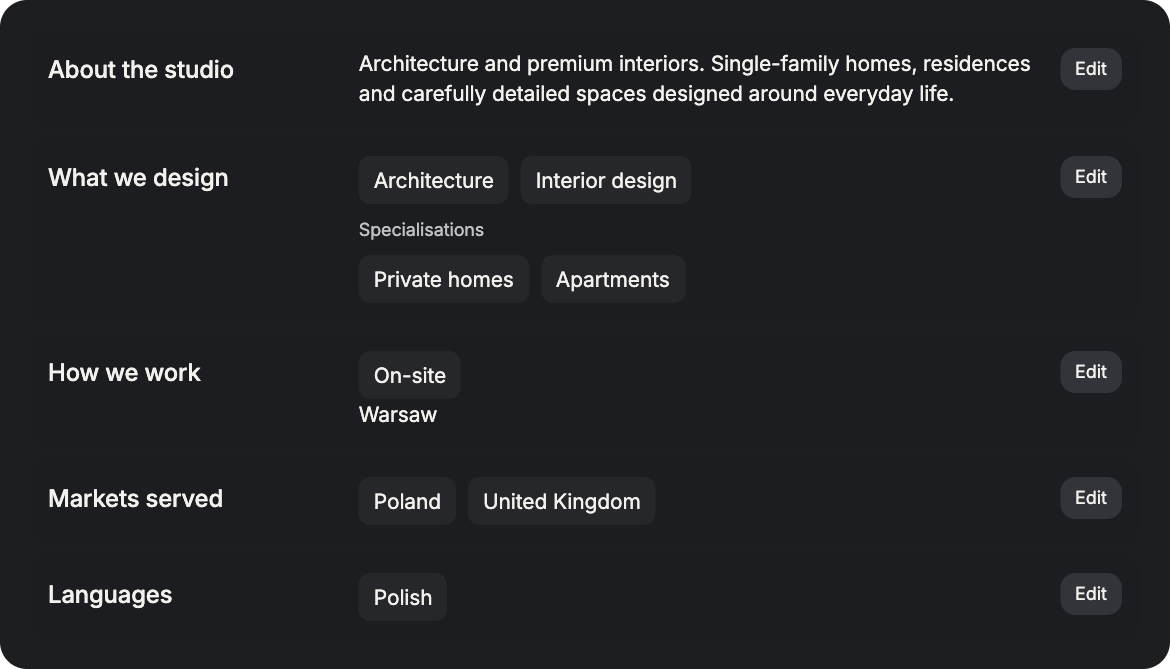
LET THE WORK SPEAK
Build your gallery from individual images or a set of photographs. Add descriptions, arrange the presentation and prepare posts as drafts before publishing the work you want people to see.
Start your project gallery ↗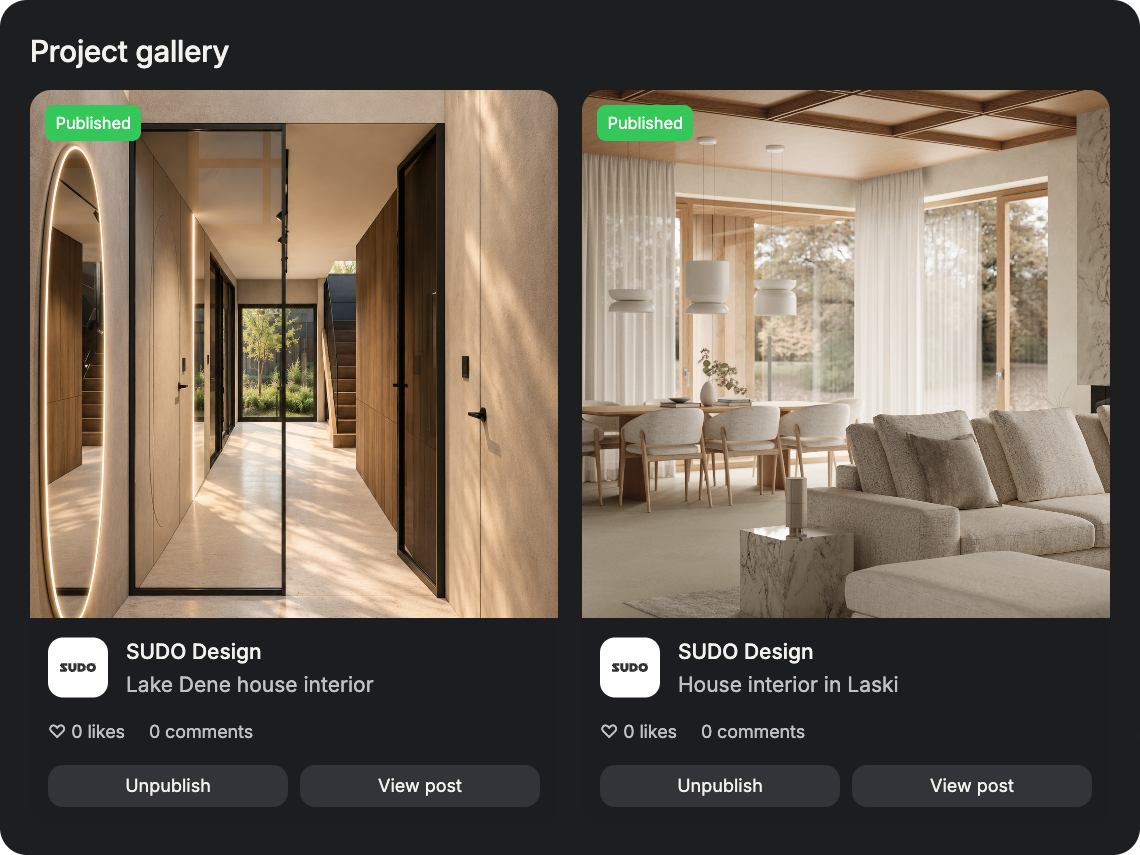
BE WHERE CLIENTS WILL LOOK
SIMTU’s planned consumer marketplace will bring products from the app to shoppers on simtu.store. Its Find a designer area is intended to feature studio profiles and published project posts, helping clients discover the people behind the work.
Prepare your public profile ↗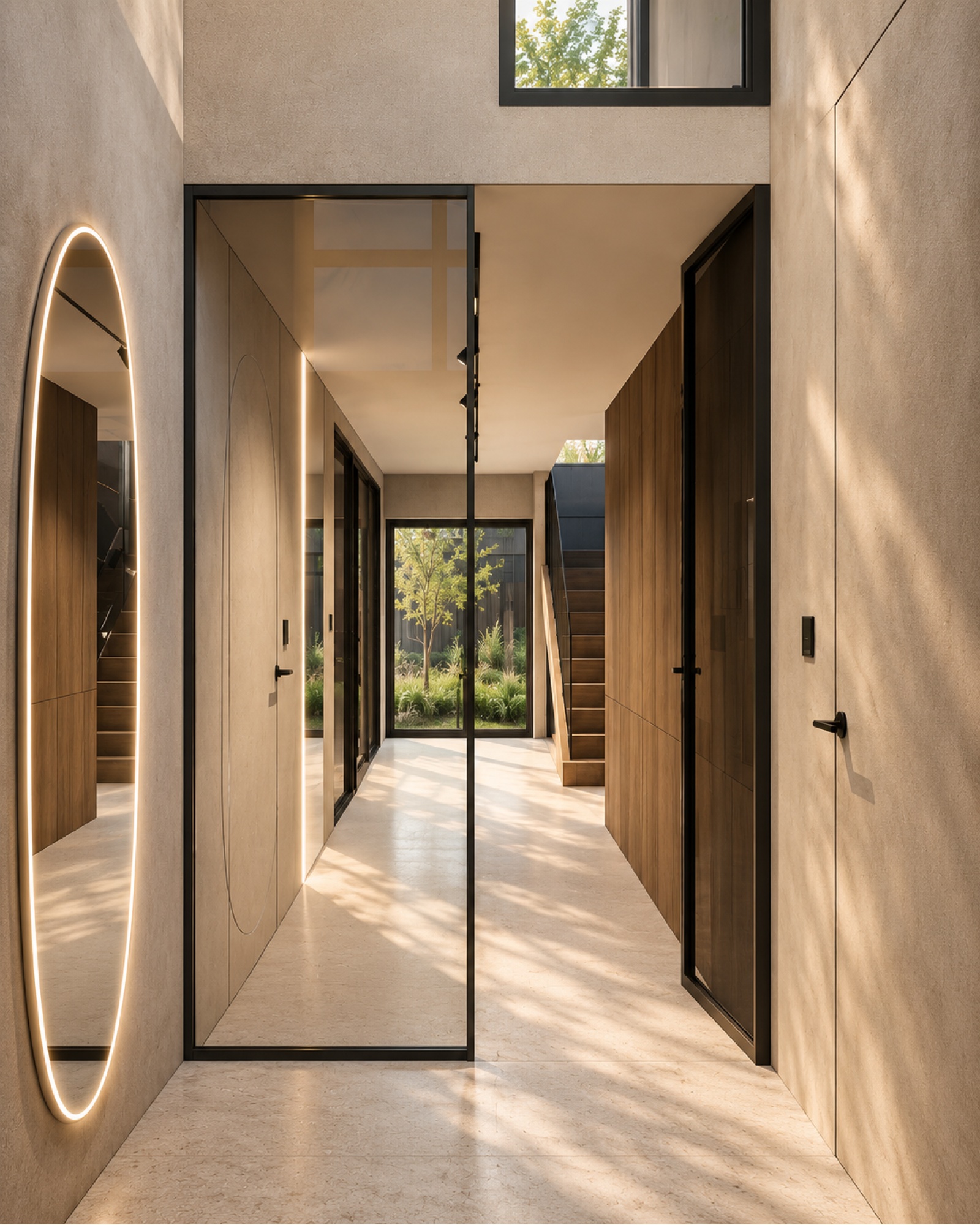
SUDO Design
studio@sudodesign.pl
sudodesign.pl
COMPLETE YOUR PROFILE. UNLOCK MORE.
Complete your profile and publish five project posts to grow your shared commission and client discount pool. Standard rises from 2% to 5%, Pro from 5% to 10%. Free has no commission. With Pro, you can also agree an individual pool with a manufacturer, including above 10%.
Build your profile ↗Free · No commission
Pro · Individual rates by agreement
PUBLIC BY CHOICE
Prepare photo posts as drafts and choose when they become public. Show the work you have permission to share. Linking a post to a project does not expose private addresses, working files, tasks or your SIMTU Wallet.
Share your work ↗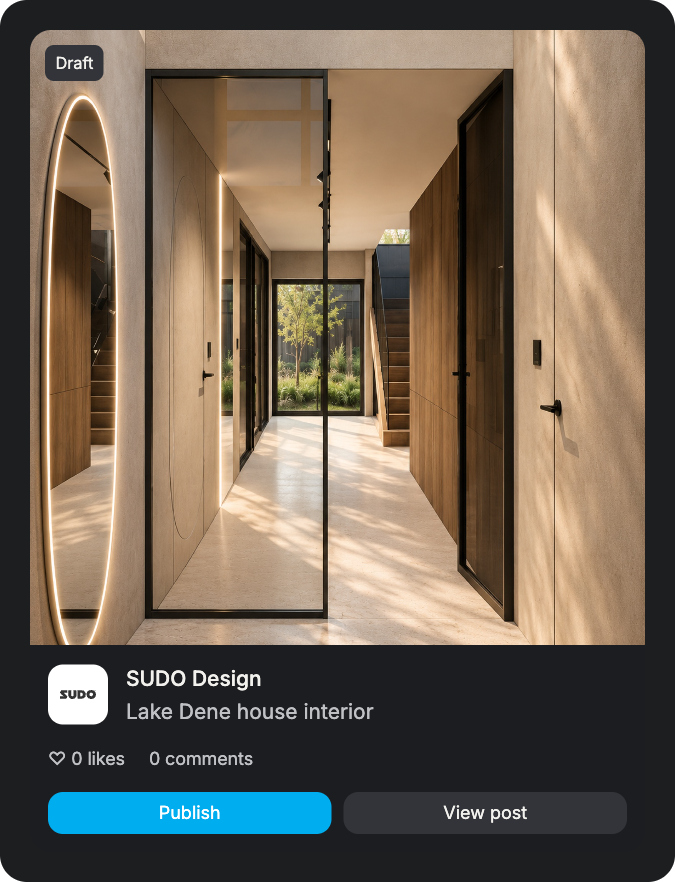
FROM FINISHED PROJECT TO PROFESSIONAL PRESENCE
Show the spaces you create and the thinking behind them.
Build a public profile that represents your practice.
Add your studio identity. Describe your specialisms. Choose markets and languages. Add your public contact details.
Choose project photographs. Check publication permissions. Group images into a post. Show your design approach.
Write a useful description. Explain the project’s context. Review the image sequence. Keep it as a draft if needed.
Publish your studio profile. Share the posts you choose. Build a consistent portfolio. Prepare for future discovery.
Follow the profile checklist. Publish at least five posts. Grow your plan’s shared pool. Track eligible sales in Wallet.
It presents your design practice and a gallery of project photo posts.Show your specialisms, where you work and how to contact you.It is separate from your private account and project workspace.
The planned simtu.store marketplace includes a Find a designer area.It is intended to show studio profiles and published project posts.This discovery channel is planned, not a promise of client enquiries.
Complete your profile and publish five project posts with photos.Standard increases from 2% to 5%. Pro increases from 5% to 10%.The pool covers your commission and client discounts. Free has none.
No. It unlocks a higher shared pool, not an immediate payment.Commission comes from eligible purchases and follows settlement rules.Pro also lets you agree an individual pool with a manufacturer.
Yes. Create posts with photos and descriptions, then keep them as drafts.Publish only the work you have the rights and permission to share.You choose which posts appear on your public studio profile.
No. Linking a gallery post does not publish the project workspace.Private addresses, files, tasks and financial details stay separate.Your Wallet and settlement information are not part of the profile.