Ready for
your scene.
Verified, ready-to-use 3D models.Prepared to SIMTU standards.Design without fixing files.

PRODUCTS LIBRARY FOR DESIGNERS
Discover manufacturer products, organise your own collection and keep 3D models with the pieces they belong to. One product library for your interior design projects.
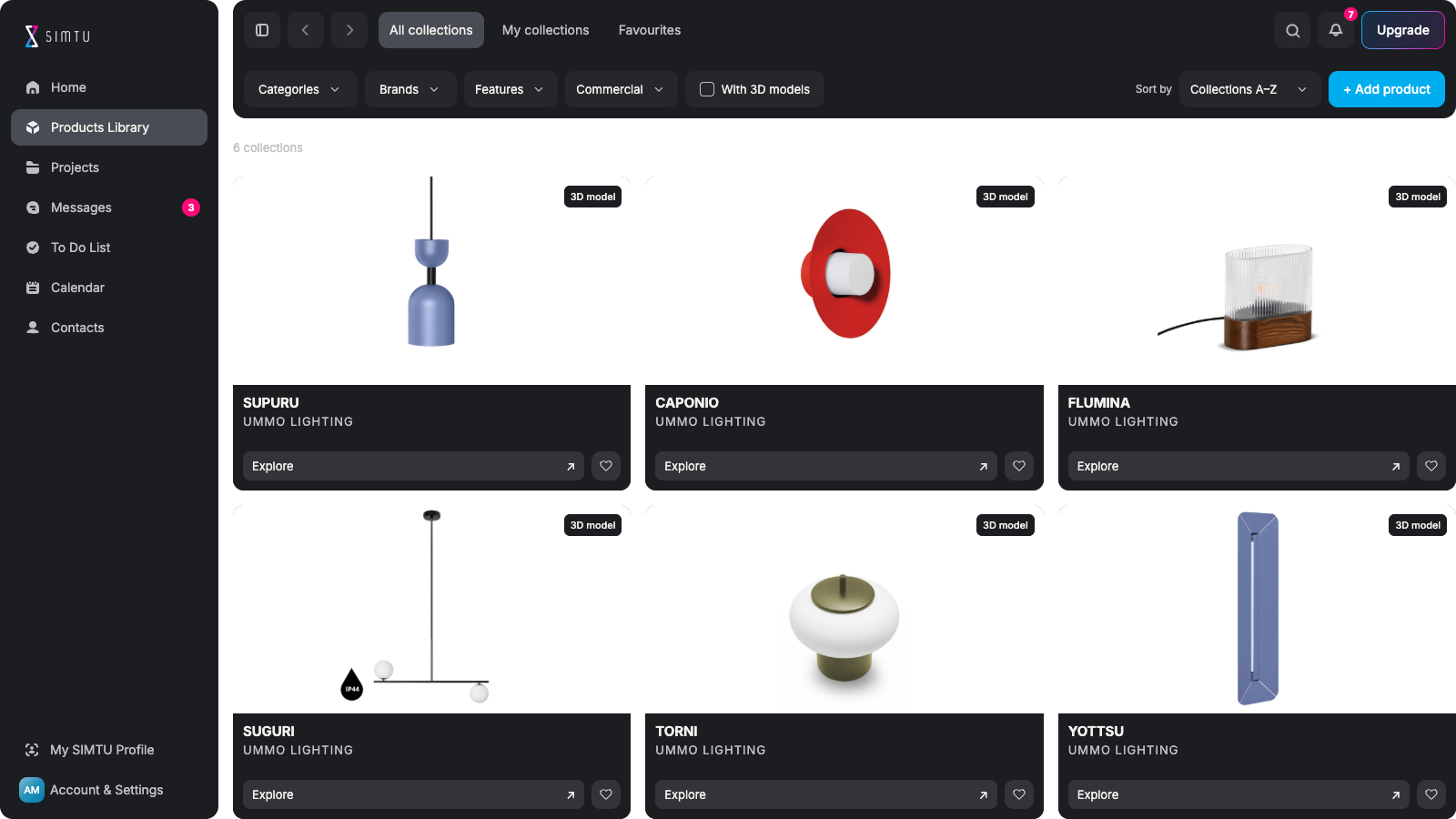
LESS SEARCHING. MORE DESIGNING.
Verified, ready-to-use 3D models.Prepared to SIMTU standards.Design without fixing files.
Drag into supported design software.Use the SIMTU Windows app.Skip manual downloads and imports.
Drag a product into your scene.It joins your project’s shopping list.No need to add the same item twice.
Discover real manufacturers.Specify products your clients can buy.Turn ideas into real selections.
Filter by size, material and finish.Find options that match your brief.Spend less time searching.
Add products by URL or manually.Attach your 3D model files.Reuse your collection across projects.
YOUR PRODUCTS. YOUR 3D MODELS.
Add a product from a URL or enter its details manually. Review the information, attach your own 3D model from your computer and keep the product in My collections for future projects.
Organise your own products ↗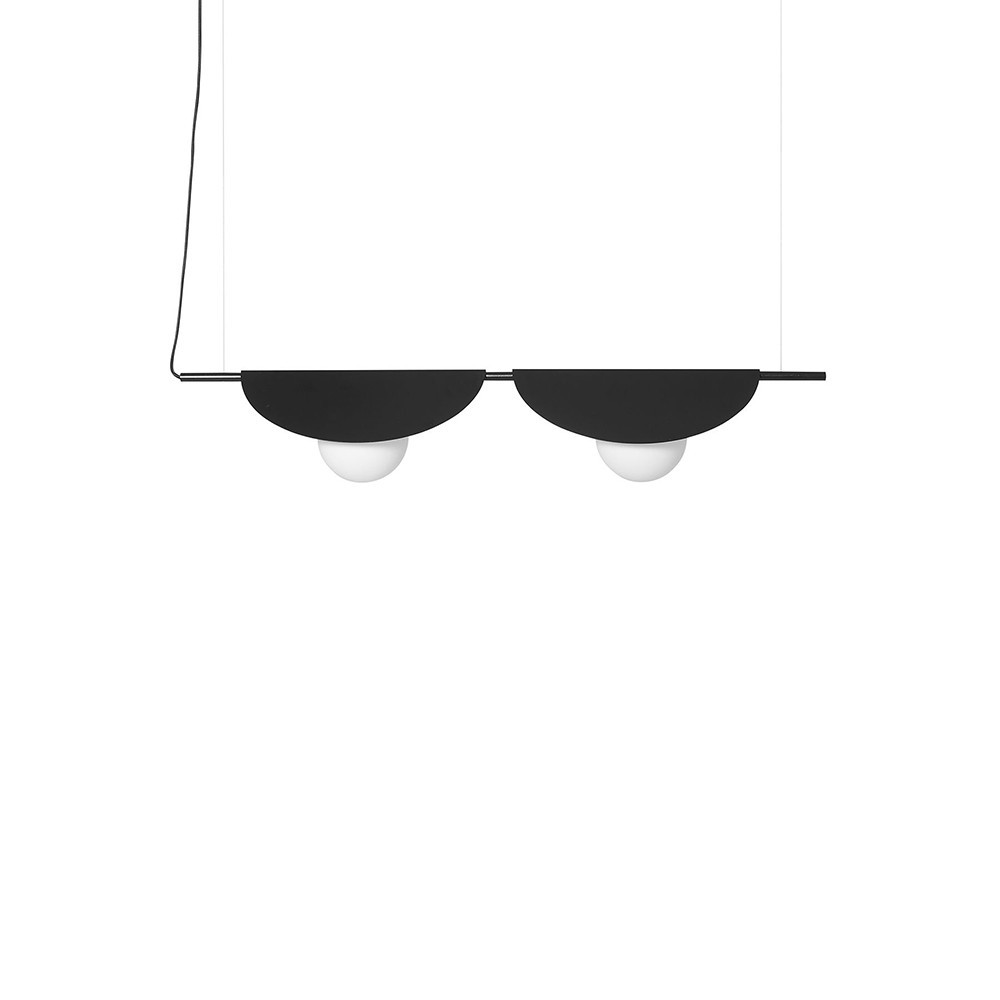
UMMO LIGHTING
READY-TO-USE 3D MODELS
Use available product models in supported design software through the SIMTU desktop app. Keep the selected product close to your scene, then add it to the project Shopping List with quantities and room assignments.
Available for selected products in supported design software.Download for Windows ↗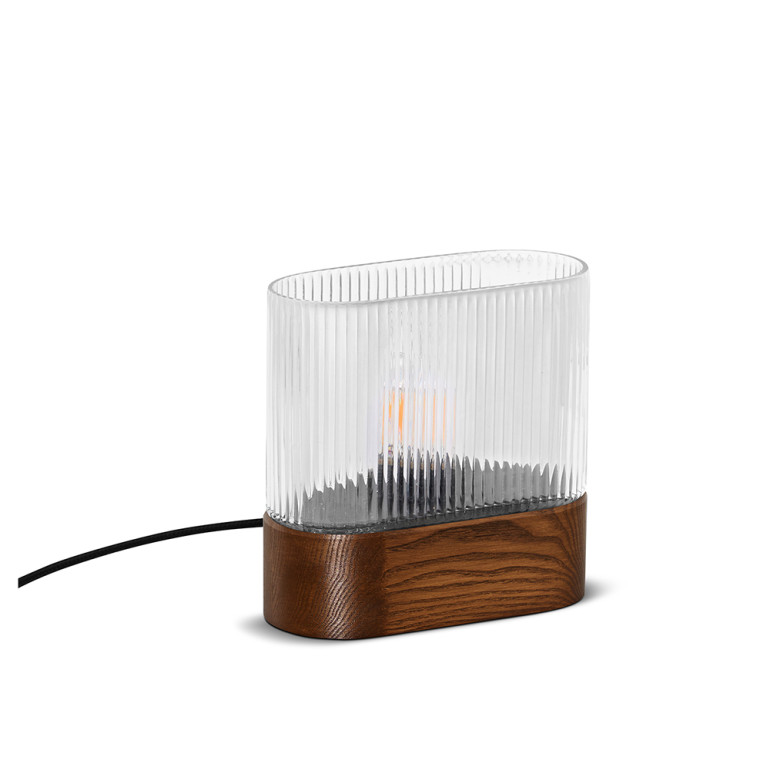 ✓ 3D model ready to drag and drop
UMMO LIGHTING
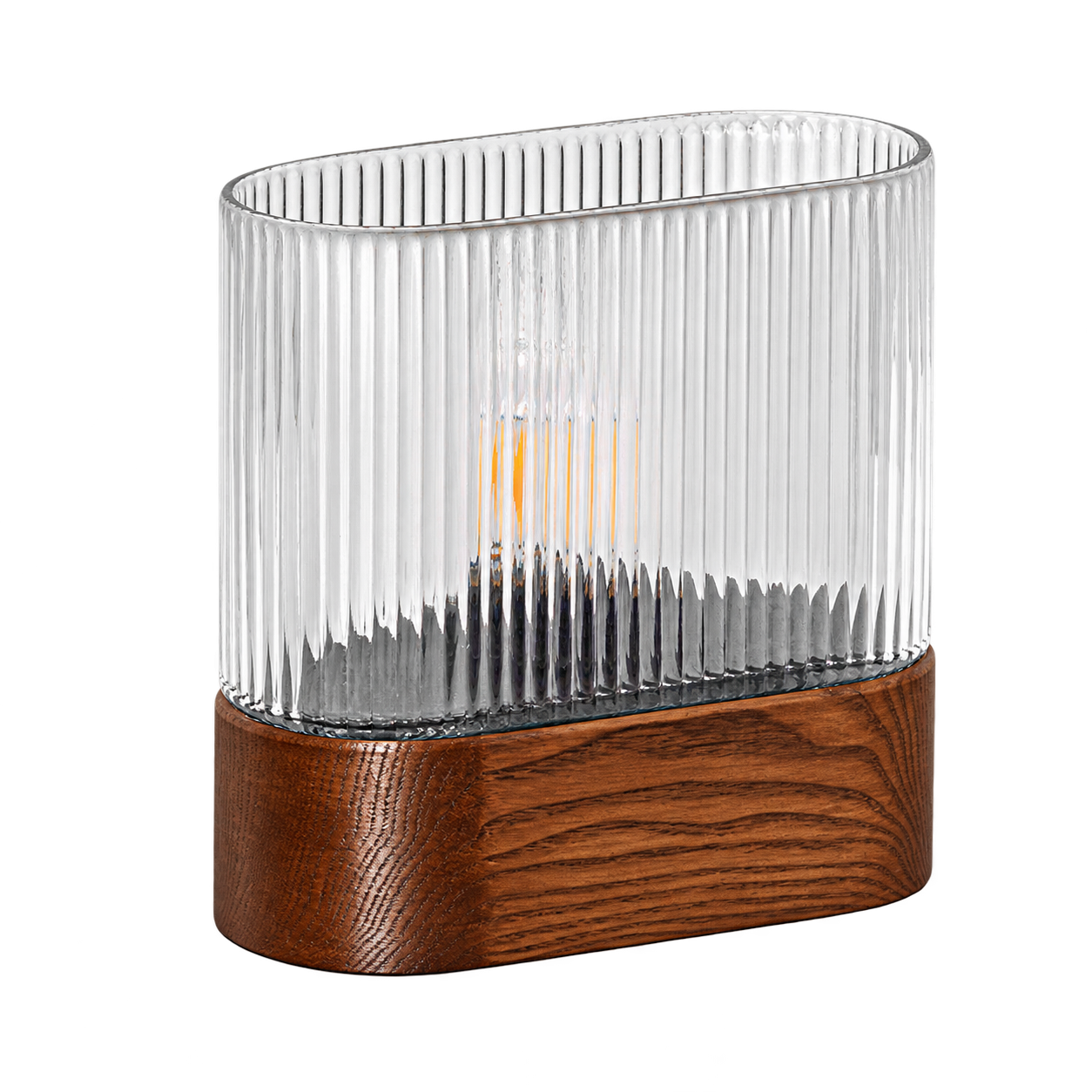
PREPARED FOR REAL DESIGN WORK
See the product, compare the finish and check the details. Keep the information you need close to every design decision.
Check the brand and reference. Review price and availability. Know exactly what you specify.
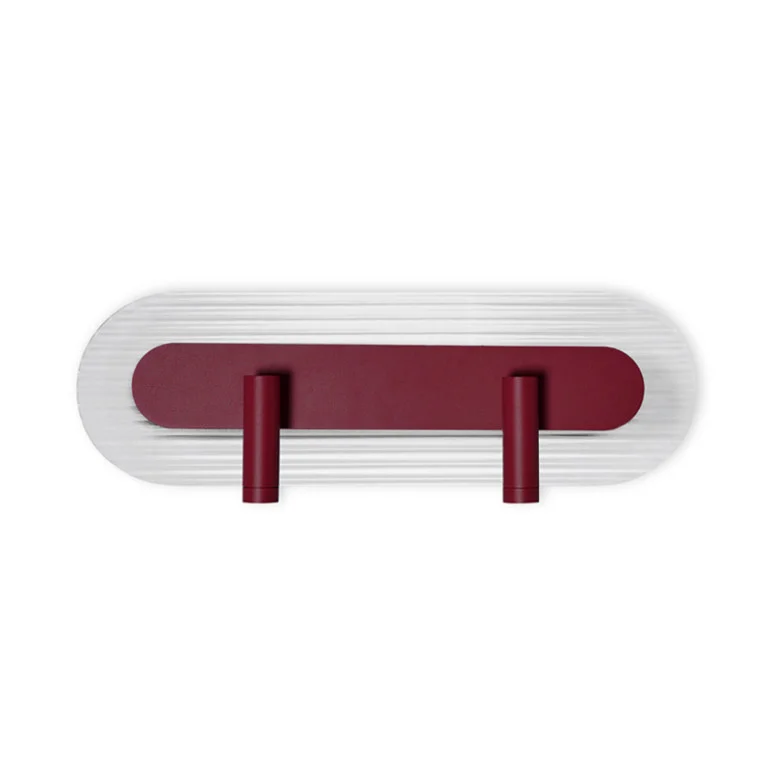
See the product before selecting. Compare its available variants. Match the finish to your concept.
Review dimensions and materials. Check what works in your space. Make an informed selection.
Find models for selected products. Use ready-to-use 3D resources. Spend more time on your design.
FROM FIRST IDEA TO PROJECT SELECTION
Find the right products and bring them into your work.
Keep your selections useful from one project to the next.
Define your project needs. Explore brand collections. Filter the products. Save your selections.
Compare the finishes. Check the dimensions. Explore the materials. Match your design concept.
Choose an available 3D model. Open SIMTU on Windows. Drag into supported software. Place it in your scene.
Add a model to your scene. The product joins your list. Check its quantity. Keep selections in context.
Add your own products. Attach your 3D model files. Organise them in collections. Reuse them in new projects.
OUR PARTNER NETWORK
Explore products from our partner manufacturers in the SIMTU library. Selected products include ready-to-use 3D models. Visit a brand’s website to discover more about its collection.



























Yes. Discover real products from our partner manufacturers.Review their images, variants and available specifications.Select pieces for your project, not just visualisation objects.
No. Models are available for selected products and variants.Available models are checked against SIMTU standards.Check your chosen variant’s resources before downloading.
Browse products and organise selections in your browser.Use the Windows app for the model drag-and-drop workflow.Drag and drop works with supported design software.
Yes. Dragging a product into your scene adds it to your list.You do not need to enter the same product again manually.Review quantities and room assignments in your project.
Yes. Add products by URL or enter their details manually.Attach your own 3D model files directly from your computer.Keep products and files together in My collections.
Free includes five downloads once. Standard includes 50 a month.Pro includes 100 a month. Unused downloads do not roll over.Paid allowances reset monthly, including on annual plans.